Apple products are well-known for their safety features and efficiency, but in terms of the ability to clean one’s bank account, Apple does it better than any of its competitors.
Source: cnbc
So, most iPhone users will do whatever it takes to stretch the lifespan of their smartphones to get their money’s worth. If you belong to this group of people, then you’ve come to the right place because we’ve compiled a few tips, based on Apple’s recommendation, on how to:
- Maximise the performance of your phone
- Extend the battery life and its lifespan
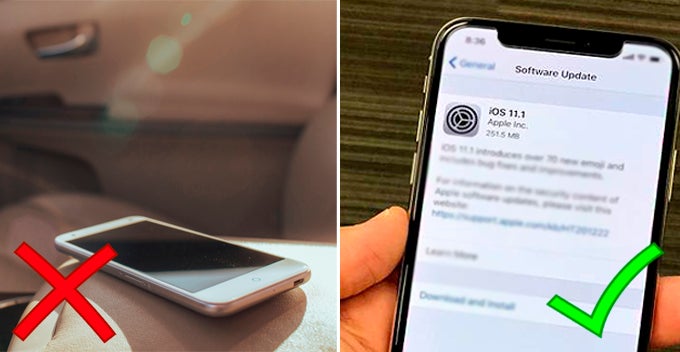
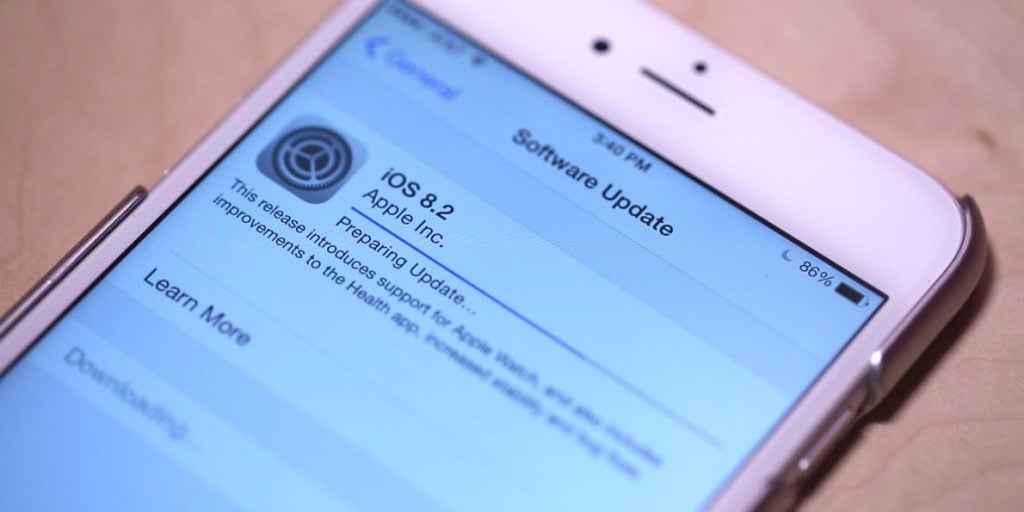
1. Update to the latest software
As you may have already known, Apple software updates usually include the latest energy-saving technologies that can enhance your phone’s performance while consuming less energy. So, always keep it up to date!
Source: business insider
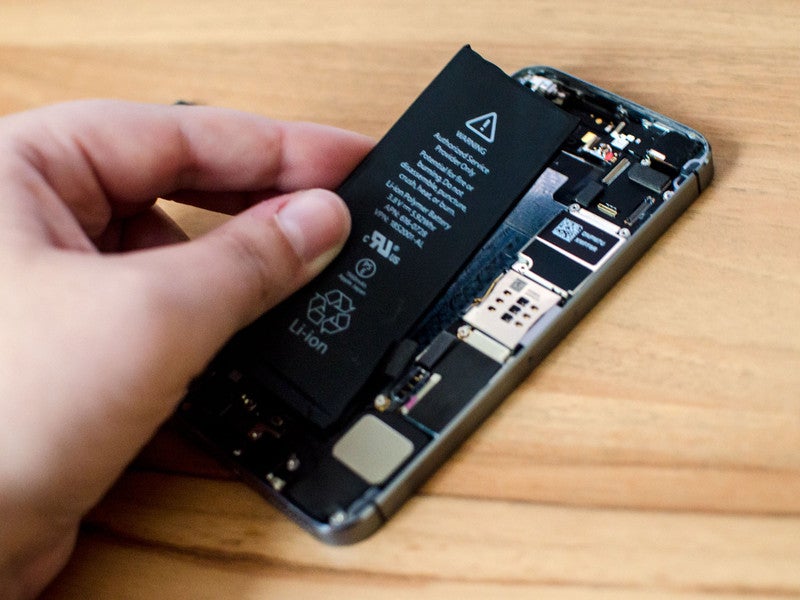
2. Keep your device at ambient temperatures below 35°C
That’s because Apple products function optimally in ambient temperatures between 16° C and 22° C.
Exposing the battery to any temperature higher than 35° C will permanently damage the battery capacity, thus leading to shorter battery life.
Source: imore
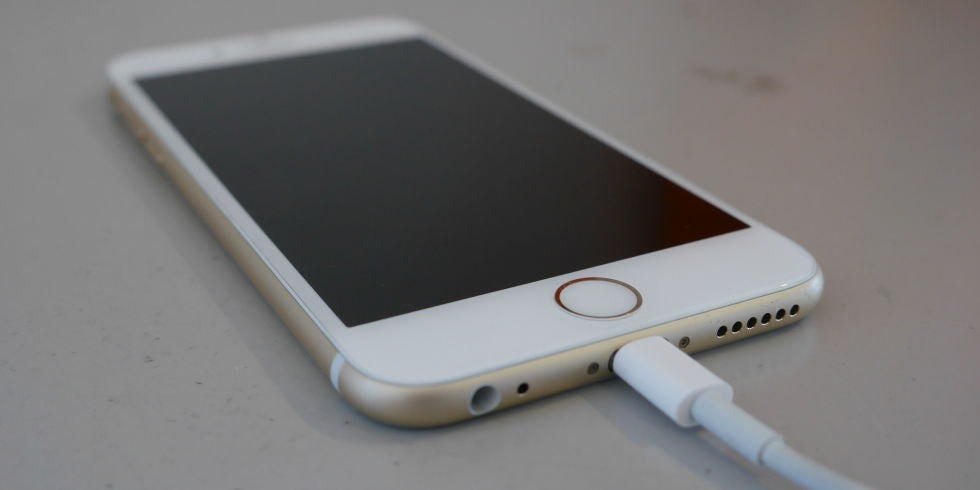
3. Avoid charging your phone in high ambient temperatures
Charging your phone itself will increase the battery temperature; hence, by charging it in a rather warm environment, you’d only drive its temperature higher, thus damaging it in the long run.
Source: digital spy
Although the software may limit the charging above 80 per cent when the battery becomes too hot, it’s not worth taking the risk, as the damage is irreversible.
Besides, certain phone cases may contribute to heat build-up while charging, so you may want to remove those cases if your phone gets too hot.
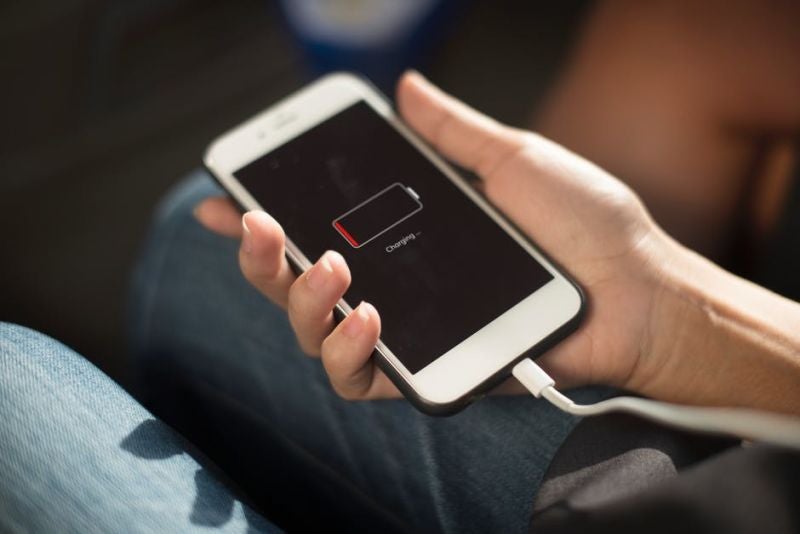
4. Charge your battery to about 50 per cent before keeping it away for a long time
So, what would happen if your battery is fully charged or fully discharged for a long time?
- Fully charged – The battery may lose some capacity.
- Fully discharged – The battery will fall into deep discharge state, thus making it unable to hold a charge.
Either state leads to shortened battery life. 🙁
Source: lifehacker
Also, switch off your device and charge it to 50 per cent every six months for long term storage. Remember to charge it with the original adapter for 20 minutes before you start using it again.
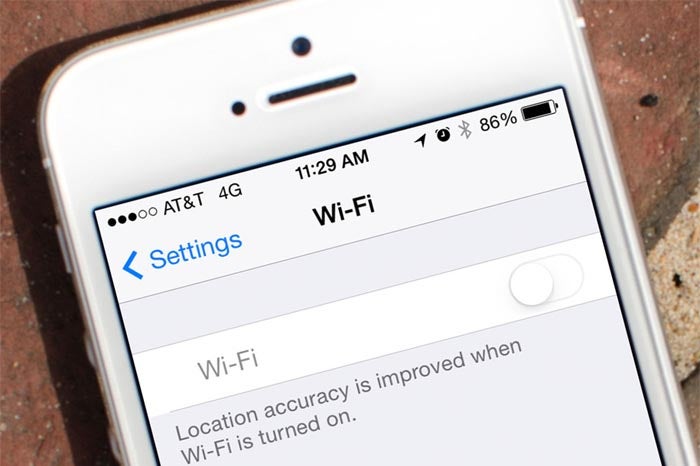
5. Always choose Wi-Fi connection over mobile network
Besides the obvious reason (to save data), Wi-Fi connection actually consumes less power, thus giving you longer battery life. So, keep your Wi-Fi on at all times!
Source: ikream
6. Turn off any feature/background app that’s currently not in use
Here are some of the features/apps that you can switch off to extend your smartphone’s battery life.
- Bluetooth
- Location services
- AirDrop
- Vibration
- Push email
- iCloud
If you follow the tips mentioned above, your Apple gadgets should serve you well for the next few years. Also, share with us in the comment section if we’ve missed out any tips!
Also read: If You’re Using iPhone 6 or Later Models, You Can Replace Your Battery at RM200 Off!