
Lifestyle
“Why is it lagging so much?” 5 Signs That Your Computer is Long Overdue For An Upgrade


A computer is a pretty big investment which is why we don’t usually upgrade it that frequently. But do you know how to tell when your computer might need an upgrade? If you keep using an outdated computer, it can eventually affect your productivity. So, in order to ensure your computer is up-to-date with your needs, check out this list to see if your computer is long overdue for an upgrade or not!
1. The computer is running out of storage

After a few years of usage, your computer tends to run out of storage space since you’ve been constantly installing new software, saving and downloading files and many others. Old computers also tend to struggle with RAM (Random Access Memory) issues.
An easy solution would be to delete as much trash as you can from your computer and get an external hard drive to help with storage. You can also upgrade your RAM space to help your computer run more smoothly. However, if you constantly have to deal with storage management to the point that you can’t carry out your tasks efficiently, consider it a warning that an upgrade is impending!
2. The computer is incapable of running multiple tabs without being slow
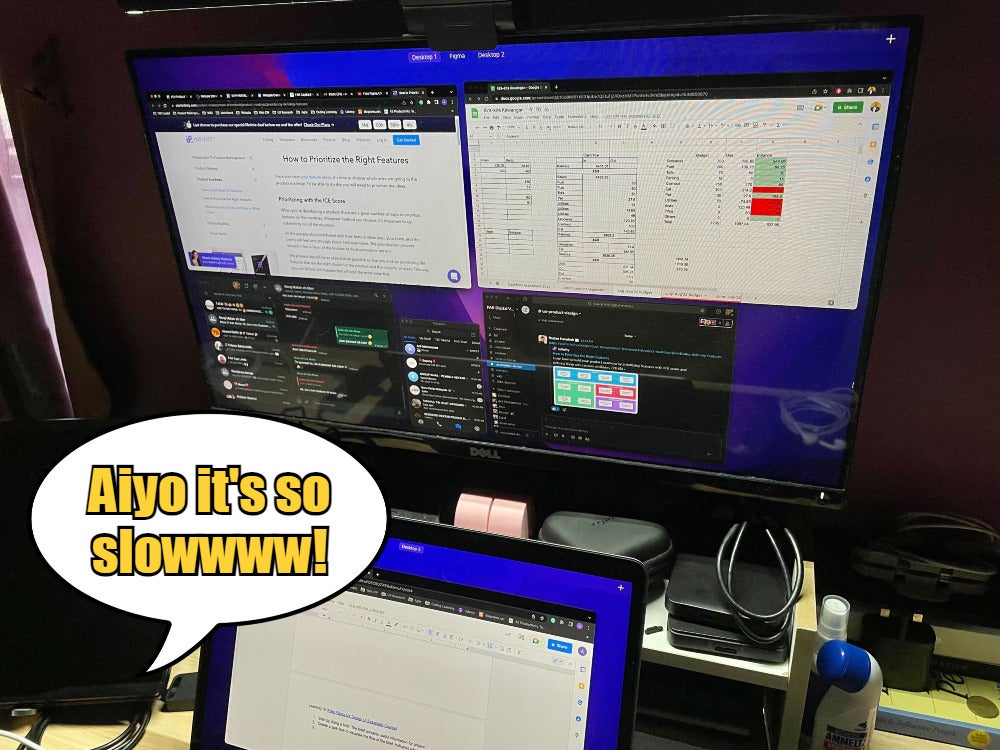
Speaking of RAM, have you ever tried opening multiple tabs while working but everything gets really laggy? Or perhaps your computer takes longer to start up or shut down? These are signs that your RAM might be full, which is bound to happen with older computers.
In case you’re wondering, both the RAM and storage space are two different things. The RAM is responsible for keeping your operating system (OS), applications, programs and many more. It is what allows your computer to perform various tasks such as loading applications or browsing the internet. So, when the RAM is full, it will slow down the computer’s performance.
3. Your computer gets noisier and overheats easily
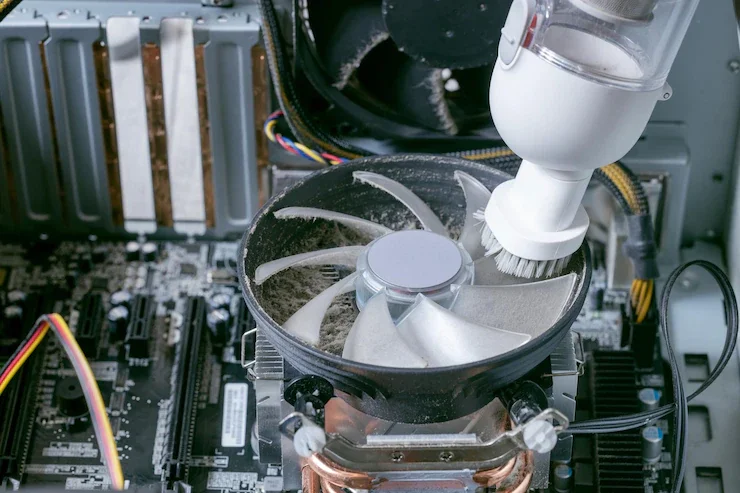
An obvious sign your computer is ageing is when you can hear the internal fan working really hard all the time! This can be caused by an overheating problem. As we know, all computers come with a built-in fan to help regulate the computer’s temperature while it’s carrying out your tasks. Over time, these fans might be filled with dust or debris which can decrease the effectiveness and cause the computer to overheat easily.
It’s important to remember that an overheated computer can slow it down even more. So, if you don’t replace your old computer and still use it even when it’s toasty hot, you might be spending more time waiting for the computer to load than anything else.
4. You have trouble installing the latest operating system
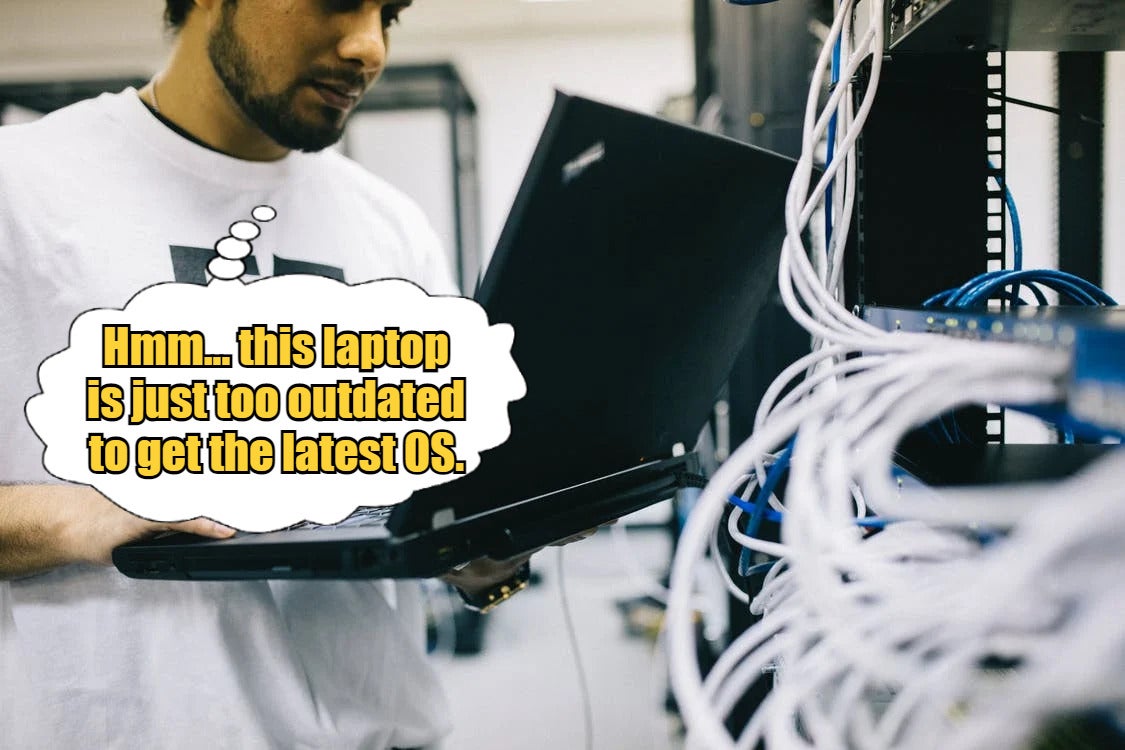
Back then, people didn’t worry about updating their operating systems (OS) as long as their computers could run normally. But nowadays, people have realised that if you don’t have the latest OS, your computer might not be able to install certain software or applications which can halt your productivity. Plus, the new OS can help fix bugs and add cool new features.
Unfortunately, an updated OS usually requires certain devices to be able to run it well. Over time, your device will eventually be outdated and won’t be compatible with the OS anymore. When that time comes, there’s no denying that your computer will need a major upgrade!
5. Your computer hangs or lags when trying to load games/movies in HD
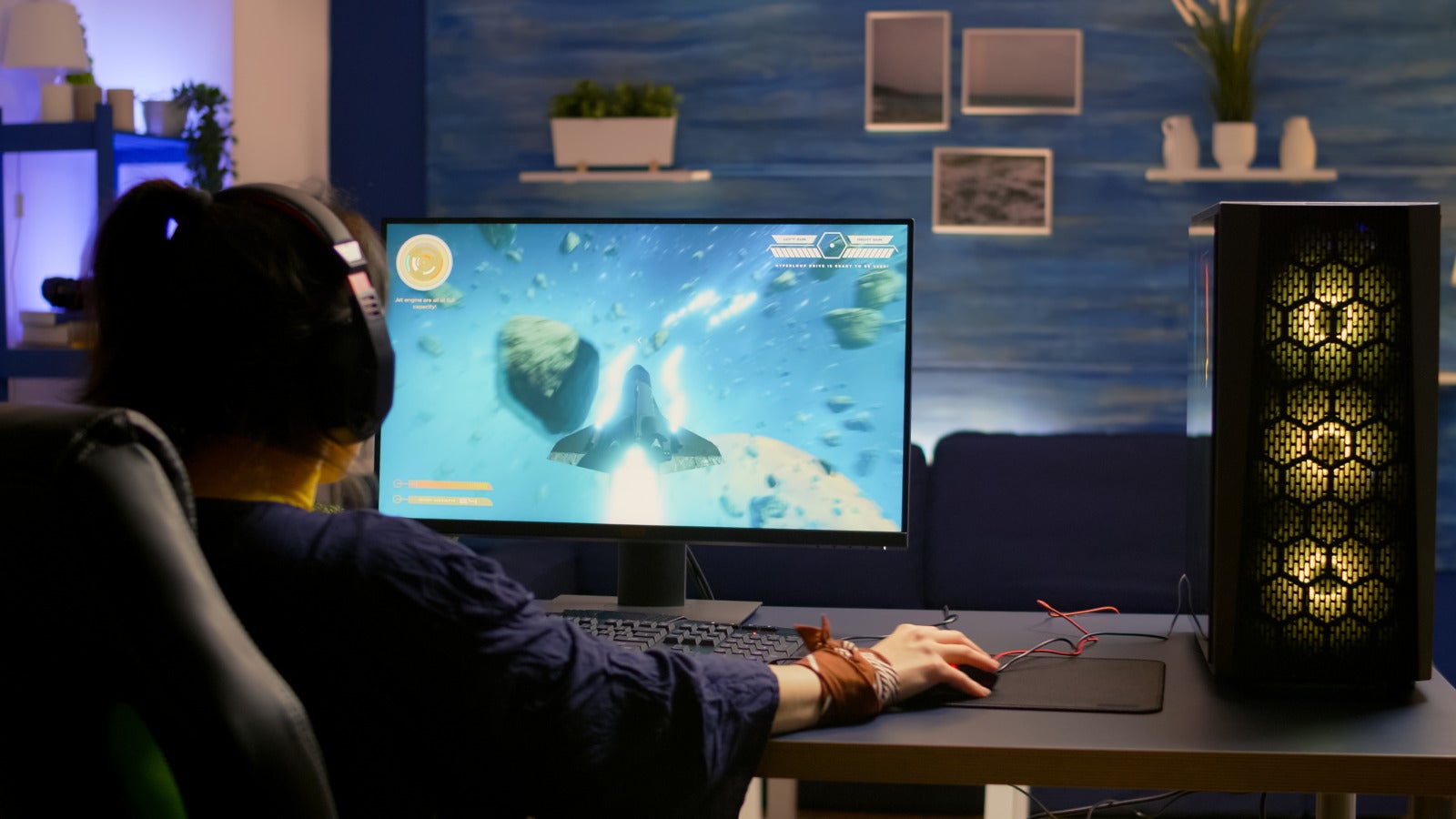
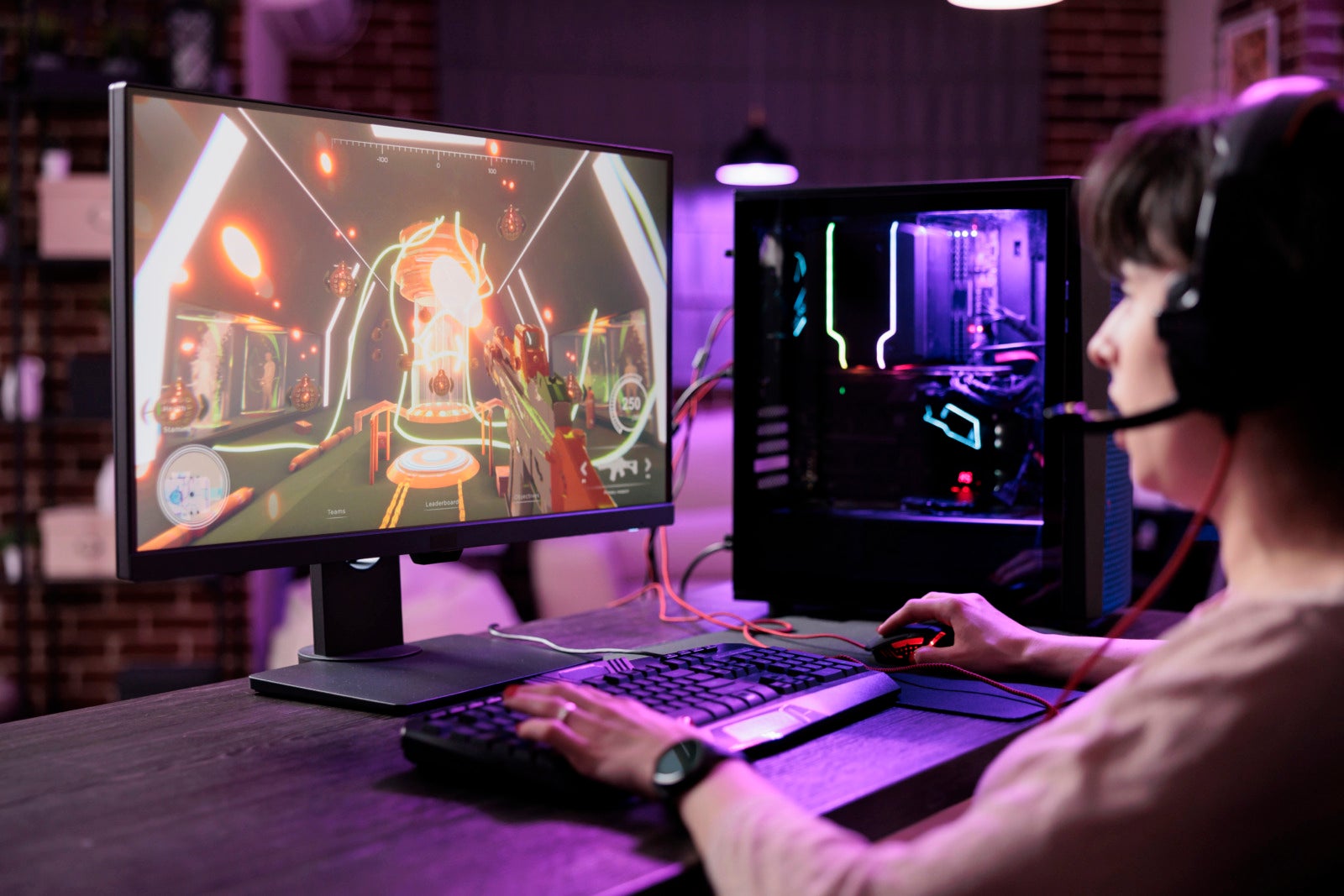
In case you didn’t know, watching HD movies or loading a game is a very intense task for a PC to carry out due to the heavy visuals and data. That is why we have seen a rise in “gaming PCs” on the market lately. These PCs are built with specifications to load HD movies/games easily such as a high refresh rate, bigger RAM, a powerful processor and more. Not only will these features help the game to run smoothly but they can also improve your performance to win the game.
So, if you have a regular PC with medium specifications and you decide to venture into hardcore gaming, we’d recommend upgrading to an actual gaming PC. If you stick with a normal PC, you might struggle with slow loading time or pixelated visuals.
So, does your computer exhibit the signs that we’ve listed above?
If you answered yes, then it’s time for an upgrade! But before you choose a model, you should first consider a few important things such as your computer’s primary usage. For instance, if you’re a heavy gamer who uses your computer often, then you should look for a good gaming PC equipped with performance-driven specs so you can enjoy a smoother experience. Not sure which model to get? Well, look no further because we’ve got the perfect recommendation for you…
Check out the new JOI® Gaming PC Build that is powered by 12th Gen Intel® Core™ processors to give you a hybrid architecture suited for work, entertainment, gaming and more!

Want to know what else is cool about this PC? We’ll tell you!
- Hybrid architecture – The PC runs on the latest 12th Gen Intel® Core™ desktop processors which combine both Performance-cores (for light tasks) and Efficient-cores (for heavy workloads). This means the PC can handle any type of task seamlessly to elevate your productivity, content creation and gaming experience.
- PCIe 5.0 readiness – The PC will be compatible with the upcoming PCIe 5.0 (stands for Peripheral Component Interconnect Express) which can offer up to 20 lanes (16 PCIe 5.0 and 4 PCIe 4.0) to connect with various peripherals including GPUs, SSDs, capture cards, and more! All of these devices can assist the performance of your computer such as graphics, memories, etc.
- DDR5 RAM – As we know, the function of RAM memory is to ensure your CPU gets data quickly and easily. The DDR5 RAM can run at a fast speed of up to 4,800 MT/s (for reference, the previous DDR4’s speed stood at 3,200 MT/s memory) which means it can give your PC unprecedented speed and smoothness!
- Intel® UHD Graphics – Driven by Xe Architecture, this highly advanced graphic component allows your PC to have a vivid display with enhanced visual support for up to 8K HDR video in billions of colours and up to 4 simultaneous 4K displays.
- Intel® Wi-Fi 6E (Gig+) – Allows you to experience nearly 3x faster connectivity to the internet without interference! This can boost your productivity for work or allow you to enjoy high-quality streaming with ease.

It’s safe to say that this JOI® Gaming PC Build is packed with many incredible features! We especially love the PC’s hybrid feature because it means you can carry out any sort of task efficiently and smoothly. Interested? Then we have great news for you!
From now until 30 September 2022, you can get the JOI® Gaming PC Build starting from only RM4,299 (normal price: RM4,551) and it comes bundled with a Logitech G502 Hero High Performance Gaming Mouse & G512 Mechanical Gaming Keyboard (worth RM449)!

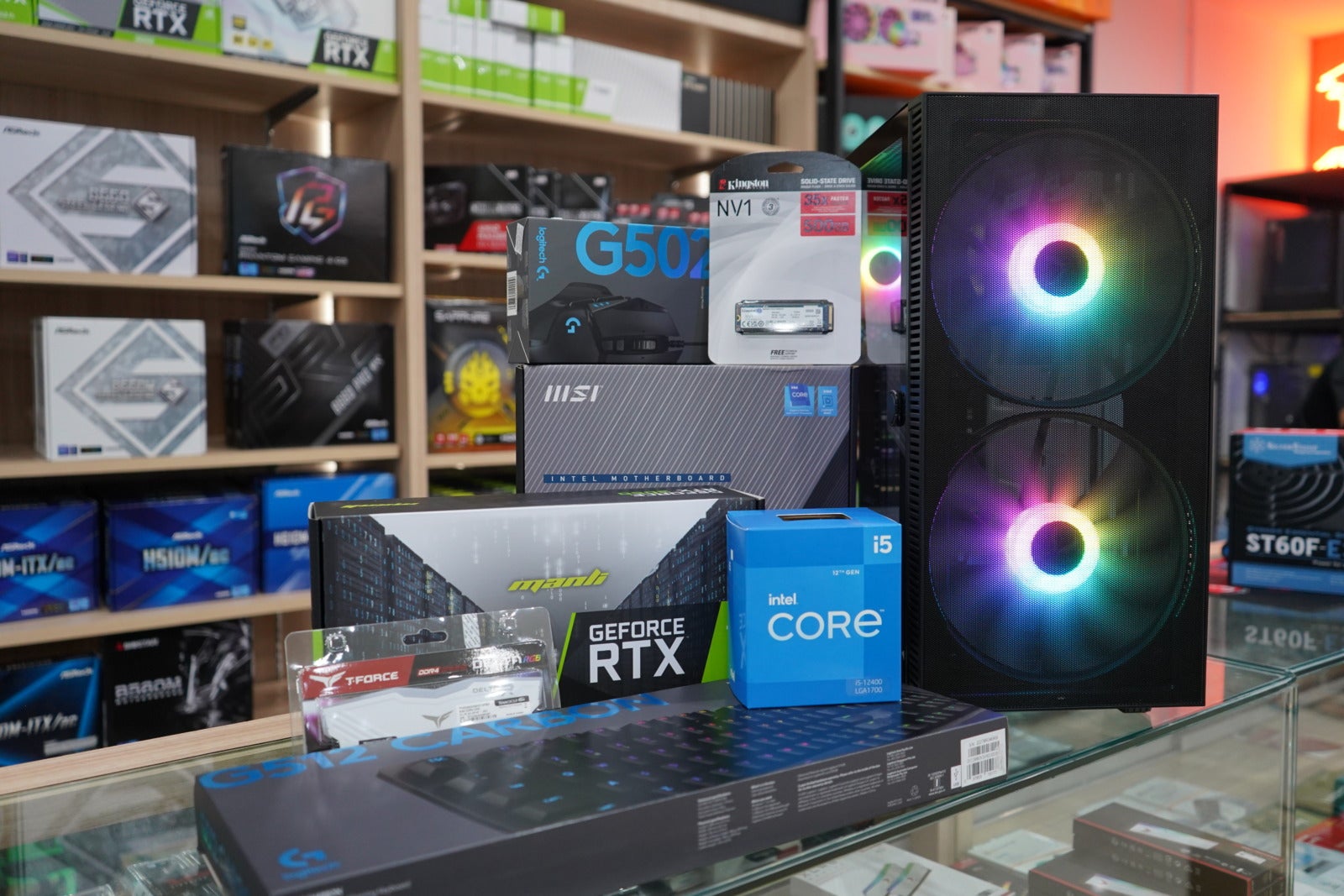
That’s right! Not only is the PC currently on discount, but you can also get an additional gaming keyboard and mouse for free! The JOI® Gaming PC Build is available to purchase at these websites and it also comes with a 3-year nationwide warranty (for hardware only):
So, don’t wait around any longer, guys! Make sure to check out this promo while it is available and upgrade your PC to upgrade your lifestyle! For more information on this promo, you can visit JOI®’s website here.



MYDIN Makes History With 20 by 20 Feet Rotating Kolam, Earns M’sia Book of Records Title as the Largest in the Country!
Previously, Mydin Mohamed Holdings Bhd (MYDIN) caught the attention of Malaysians after introducing Malaysia’s first rotating kolam, featuring a wheel-shaped...


Pisang Goreng Trader Arrested After Allegedly Threatening Fellow Trader With a Knife in Cheras
A local banana fritter (Pisang goreng) seller was arrested by authorities following a daylight altercation in Bandar Tasik Selatan, Cheras....


Viral SPM Student in ‘Zombie-like’ State Allegedly High on ‘Piu Piu’ Tests Positive for 3 Types of Drugs in Nilai
The Negeri Sembilan Education Department is looking into a viral incident involving an alleged Sijil Pelajaran Malaysia (SPM) student who...


Ready To Mingle? Finland is Offering 16 Singles A FREE All-Expenses-Paid Trip to Fly Over for a Blind Date!
The Nordic nation of Finland is making a case for expanding your romantic search by a few thousand miles. If...


Education Dept Probes Viral Claims of SPM Student High on ‘Piu Piu’ at Nilai School
An investigation is underway following claims that a teenage boy, believed to be a student at a school in Nilai,...


Good News For Drivers! 50% Toll Discount Announced For Nov 6 & 7 In Conjunction With Deepavali
In conjunction with the upcoming Deepavali celebrations, the government has officially announced a generous 50% toll discount spanning two days...


“It’s fake” – PDRM Debunks Viral Claims That Teenage Girl Died While Using Massage Chair at Kajang Mall
A post has recently gone viral on social media, claiming that a teenage girl died after being electrocuted while using...


Kind Helper Spends Her Hard-Earned Pay Spoiling Employer’s Baby, Says “My Child Never Got to Experience It”
A recent post has warmed the hearts of many Malaysians after a woman shared a thoughtful gesture by her helper,...


A Device For Every Lifestyle: Lenovo’s Latest Tablet Line-Up Now Available in Malaysia
Lenovo Malaysia brings together a versatile line-up of tablets designed to support the different ways users live, work, learn and...


The #BebaskanDiri Wave: How PIXY Made Weightless Skincare-Makeup Trendy in KL
Kuala Lumpur got a little lighter. Diverging from the usual beauty sampling, PIXY Malaysia took its Airy Series out of...


Sweet Empowerment: Cadbury-Backed Women Bakers Mentor the Next Generation of Home Entrepreneurs
Every successful journey has a story worth sharing. For two women who turned their passion for baking into thriving home-based...

PDRM: 25yo M’sian Woman Arrested After Allegedly Pushing & Hitting Man’s Children at KL Mall

M’sian Uni Students Outraged After Student Organisers Blast Hostel Speakers for 40 Minutes at 5AM

Hackers Behind Kluang LED Billboard Breach Finally Reveal Why They Did It

Youth & Sports Ministry: HYROX KL Event “Will Not Be Approved” Unless Alcohol Sponsors Withdraw

M’sian Dancer In Paris Taken Aback After A Foreign Man Flashes Middle Finger While Taking Photo Together






-
News4 hours ago
Viral SPM Student in ‘Zombie-like’ State Allegedly High on ‘Piu Piu’ Tests Positive for 3 Types of Drugs in Nilai
-

 Social Stories22 hours ago
M’sian Catches 2 Individuals Allegedly Stripping Tyres Off Parked Car in Broad Daylight in Cheras
-
News21 hours ago
Ready To Mingle? Finland is Offering 16 Singles A FREE All-Expenses-Paid Trip to Fly Over for a Blind Date!
-

 Social Stories23 hours ago
“I hope you’re proud of me” – M’sian Graduate Delivers Emotional Speech in Tribute to Late Dad