Here’s How To Create Your Own MySejahtera QR Codes for Kenduris, Events & More!
Follow us for the latest stories and updates daily:
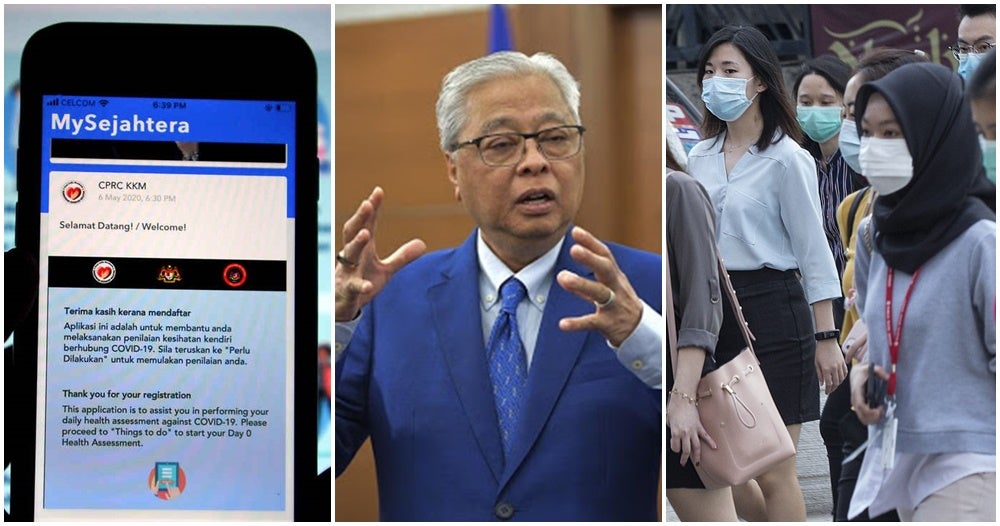
The recent hike in Covid-19 infections in Malaysia definitely made us all wary of a ‘second-wave’ hitting our shores. That’s why we need to be vigilant and not be complacent in practicing social distancing.
The recent Sivaganga PUI cluster definitely showed us the importance of always using contact-tracing applications such as MySejahtera and SELangkah. The food premise in Kedah which was ground zero for the cluster didn’t follow Standard Operating Procedures (SOP) by never checking customers’ temperatures or keeping a logbook of visitors.
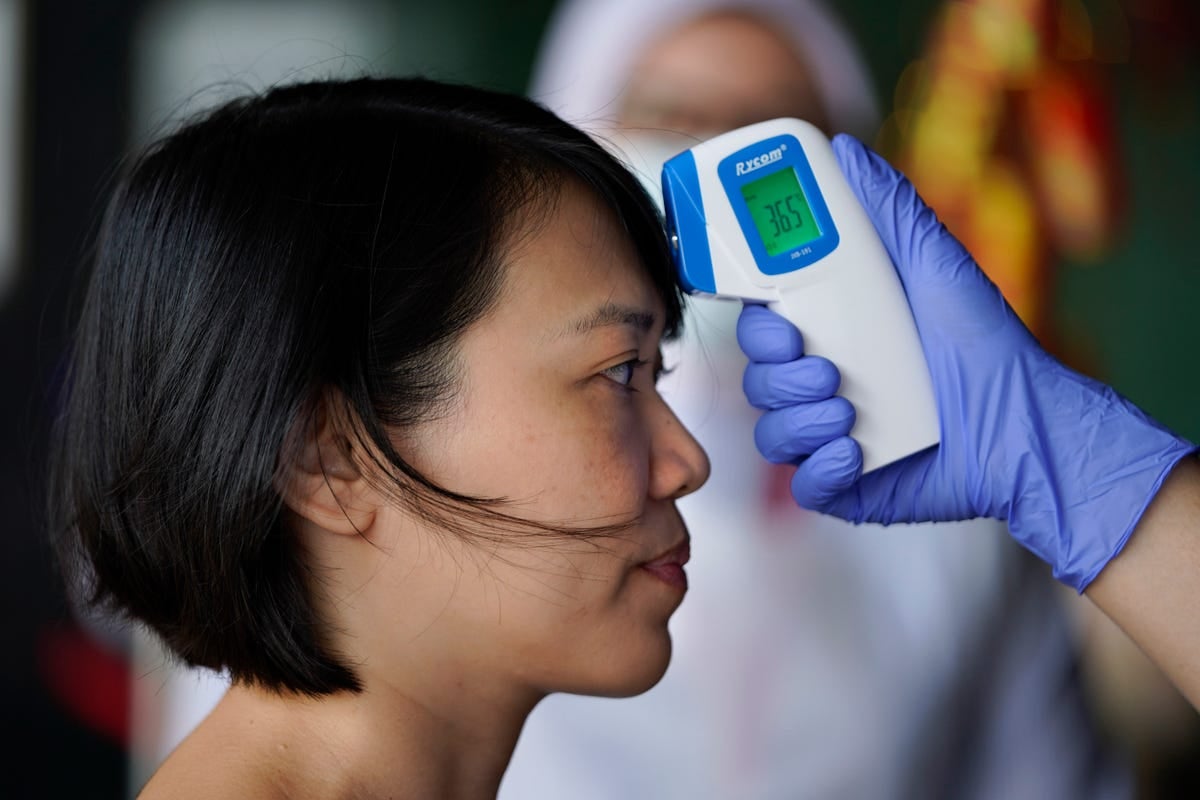
This made the tracking of those in close contact with the Sivaganga PUI cluster really hard and could very well cause another wave of Covid-19 in our country. Hopefully, all will be under control!
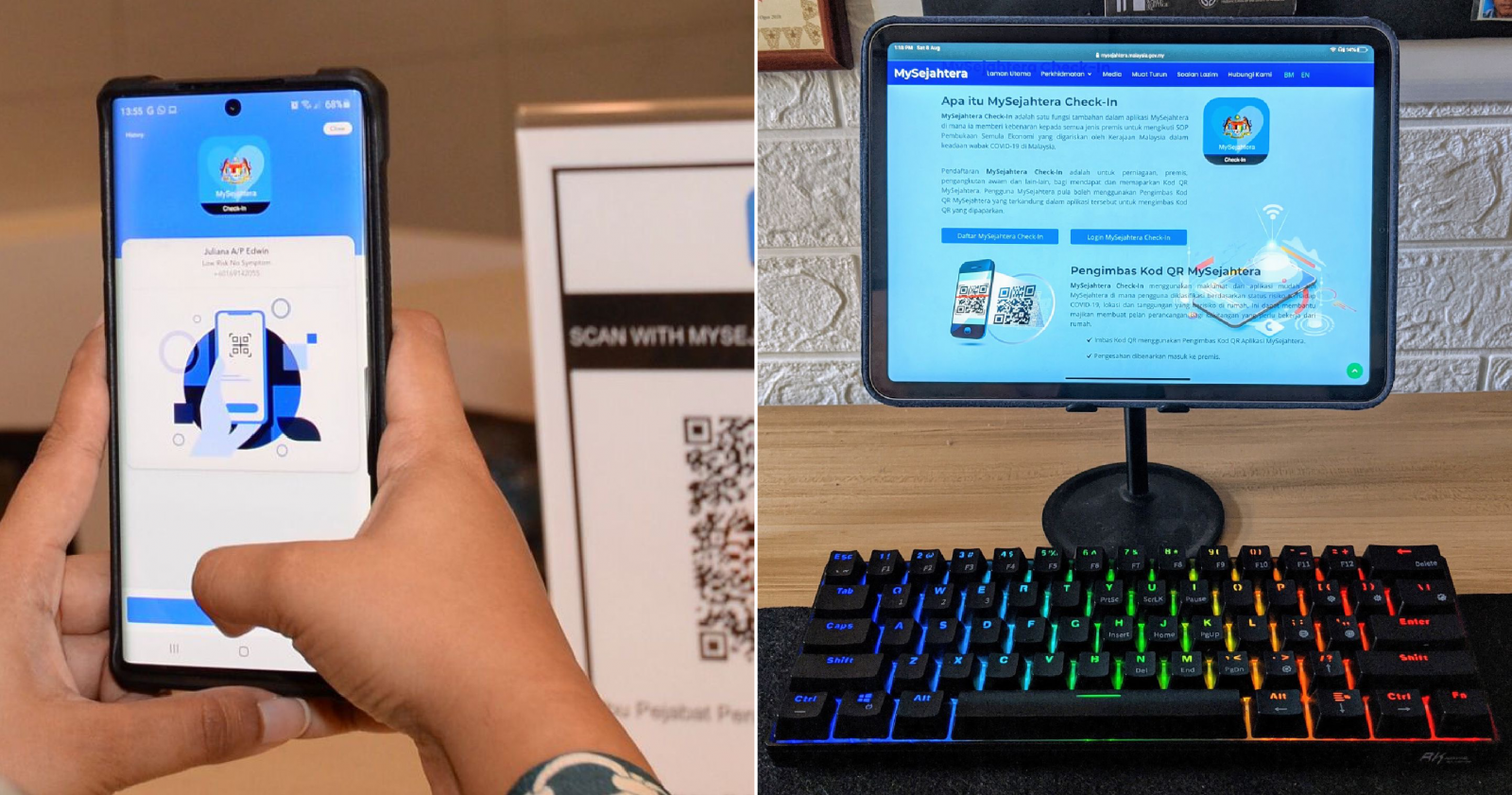
Speaking of which, the fact that most premises still couln’t be bothered about having logbooks or contact tracing applications QR code are rather worrying. Particularly because making a scannable QR code for check-in under the Malaysian-made contact tracing app MySejahtera is super easy!
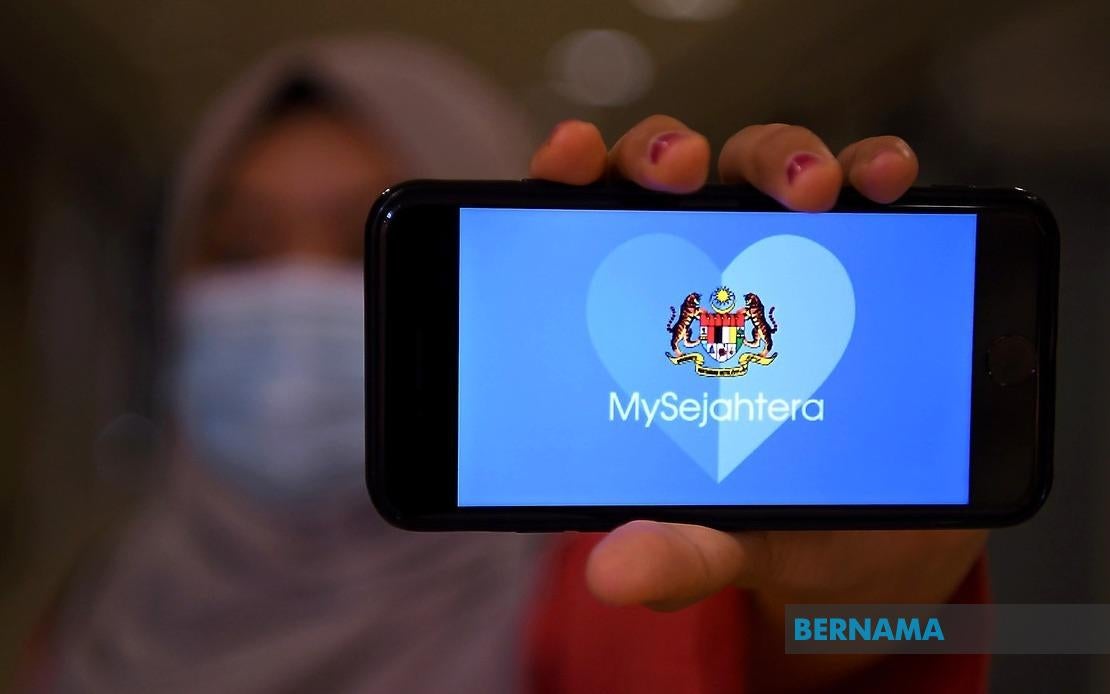
In fact, you can actually make a scannable QR code yourself under the app for all your social events and even for your home.
Here are the steps:
1. Visit the MySejahtera website
First thing you have to do is to visit the MySejahtera website via this link here.
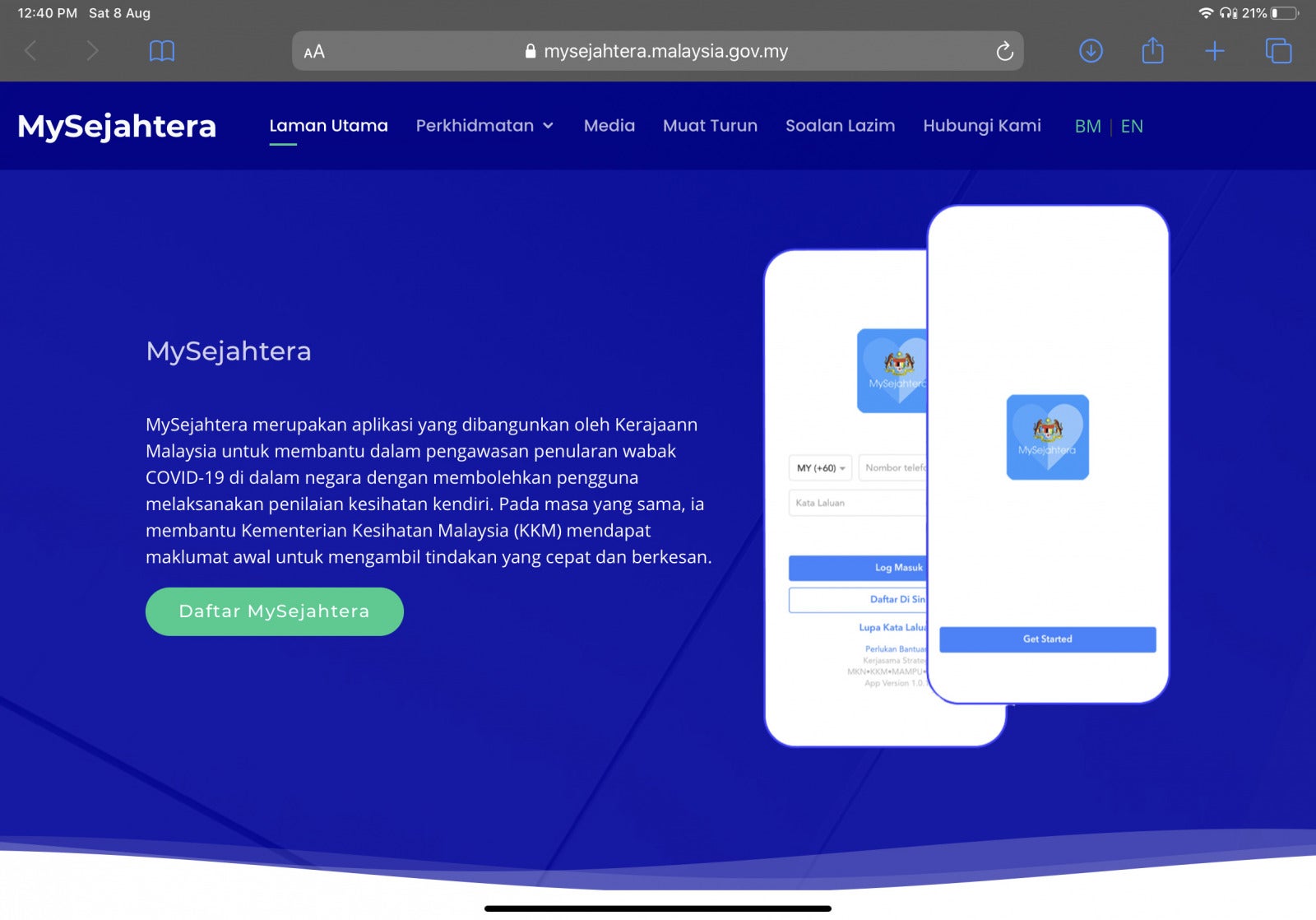
When you’re there, scroll down to ‘MySejahtera Check-In’ as seen below:
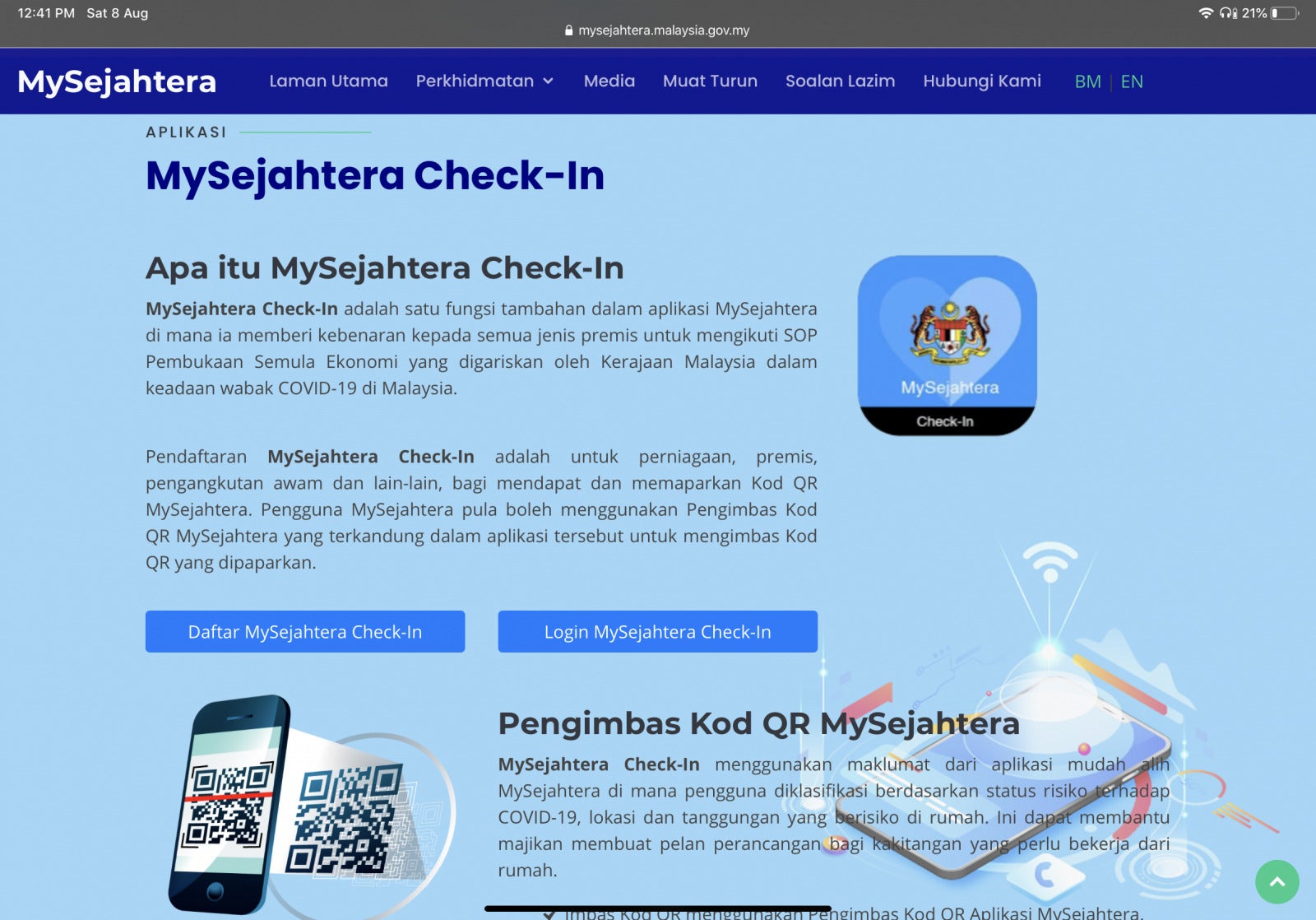
Click on ‘Daftar MySejahtera Check-In’ and proceed to the next step.
2. Register your mobile phone number and wait for the OTP
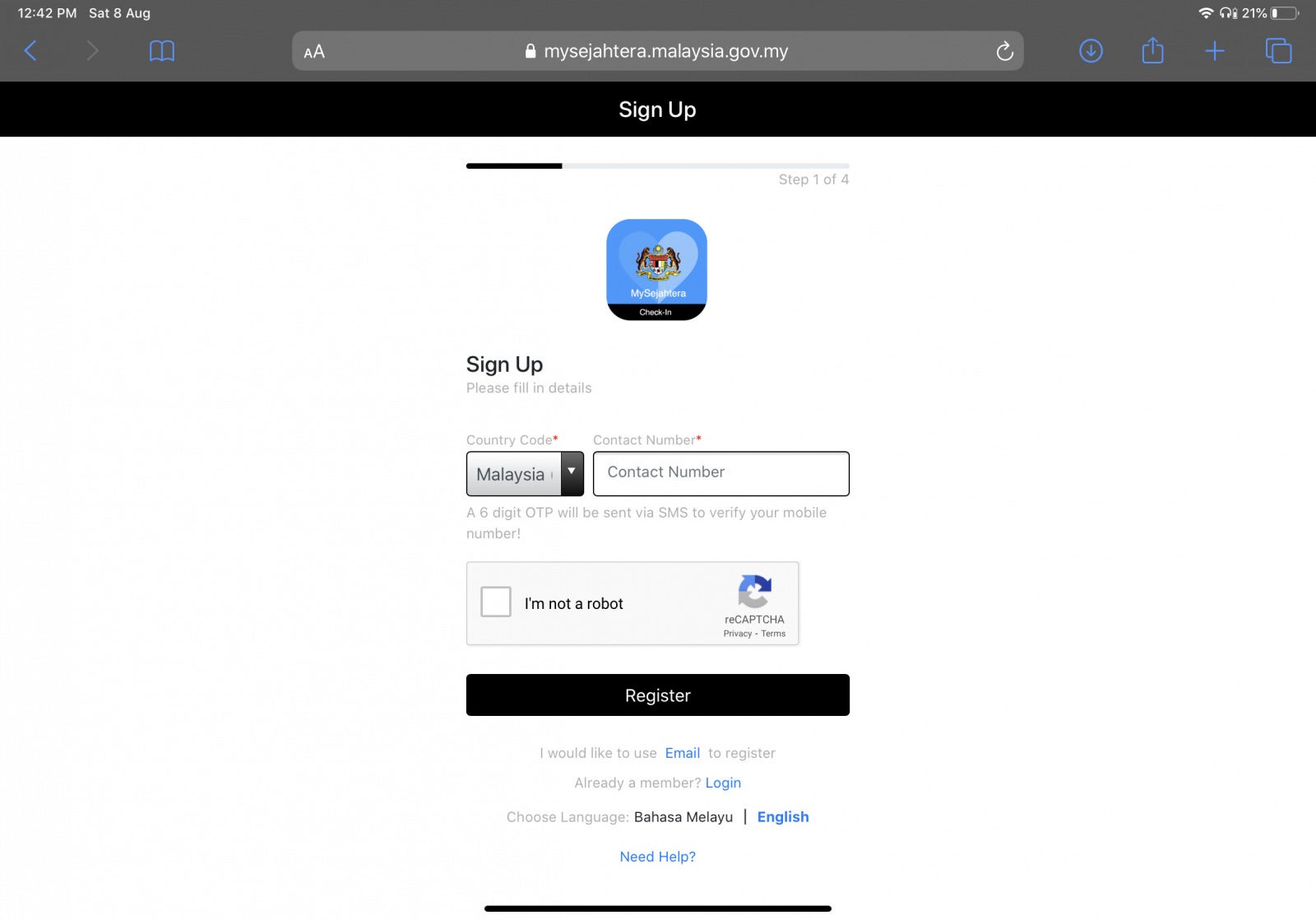
Register your mobile phone number and enter the OTP sent.
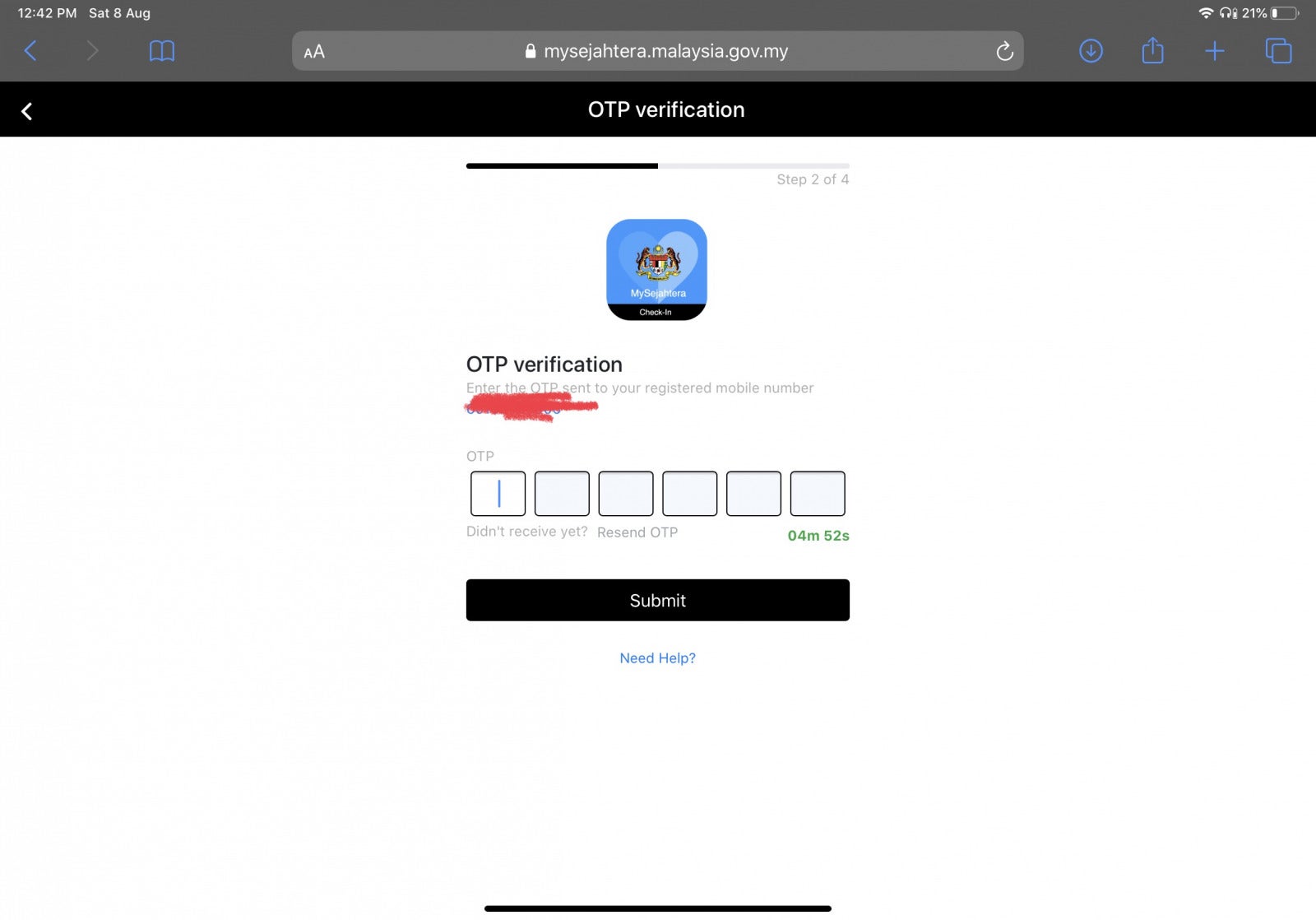
3. Key in the details for your QR code
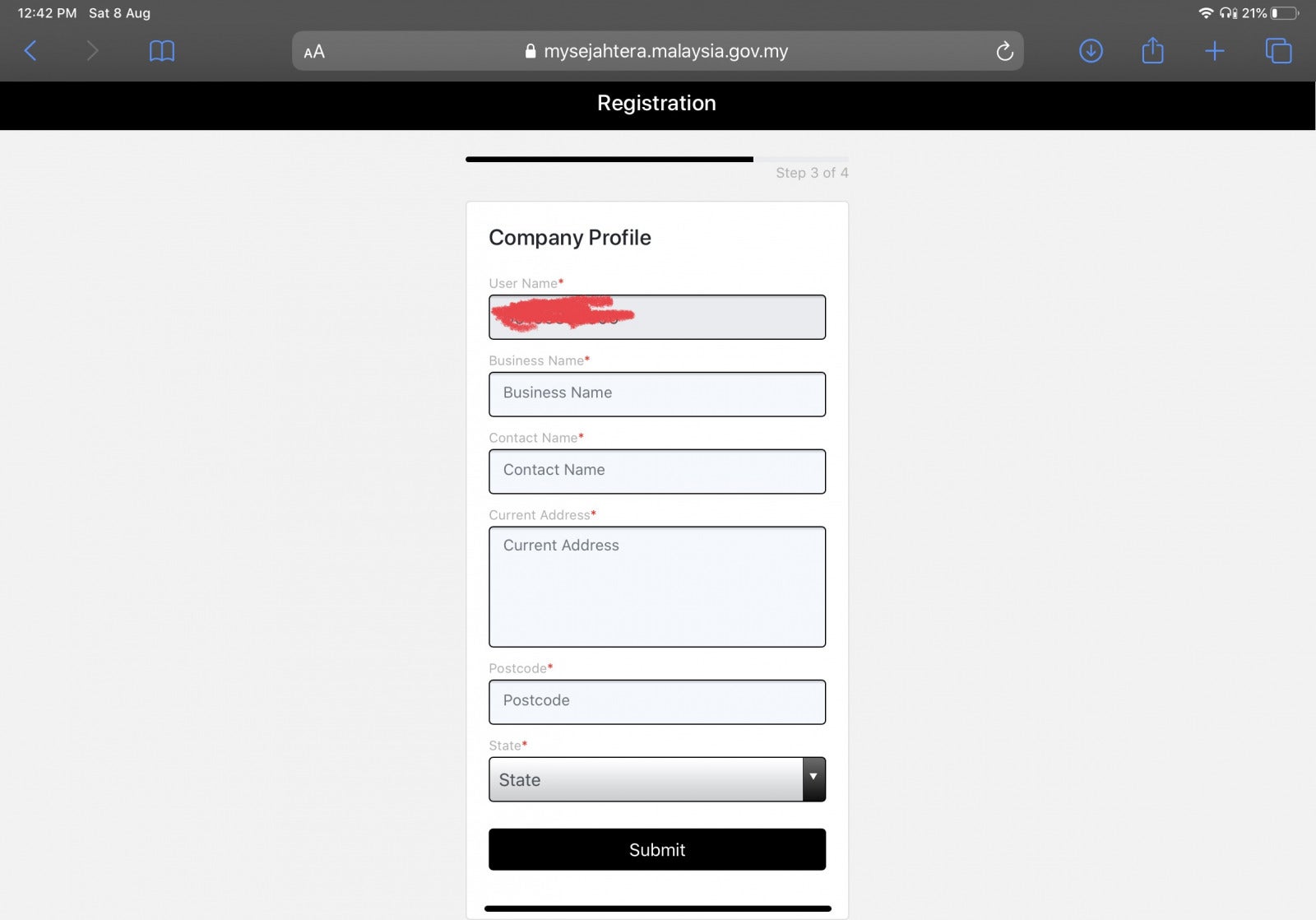
Next, put in the name of your business premise or if its for an event or your home, just put any name that you found suitable. I did a QR code for my father’s birthday so I put the Business Name as “Birthday Baba”.
Subsequently, key in your contact name, the address in which the QR code would be used at and submit.
4. Download the QR code and print!
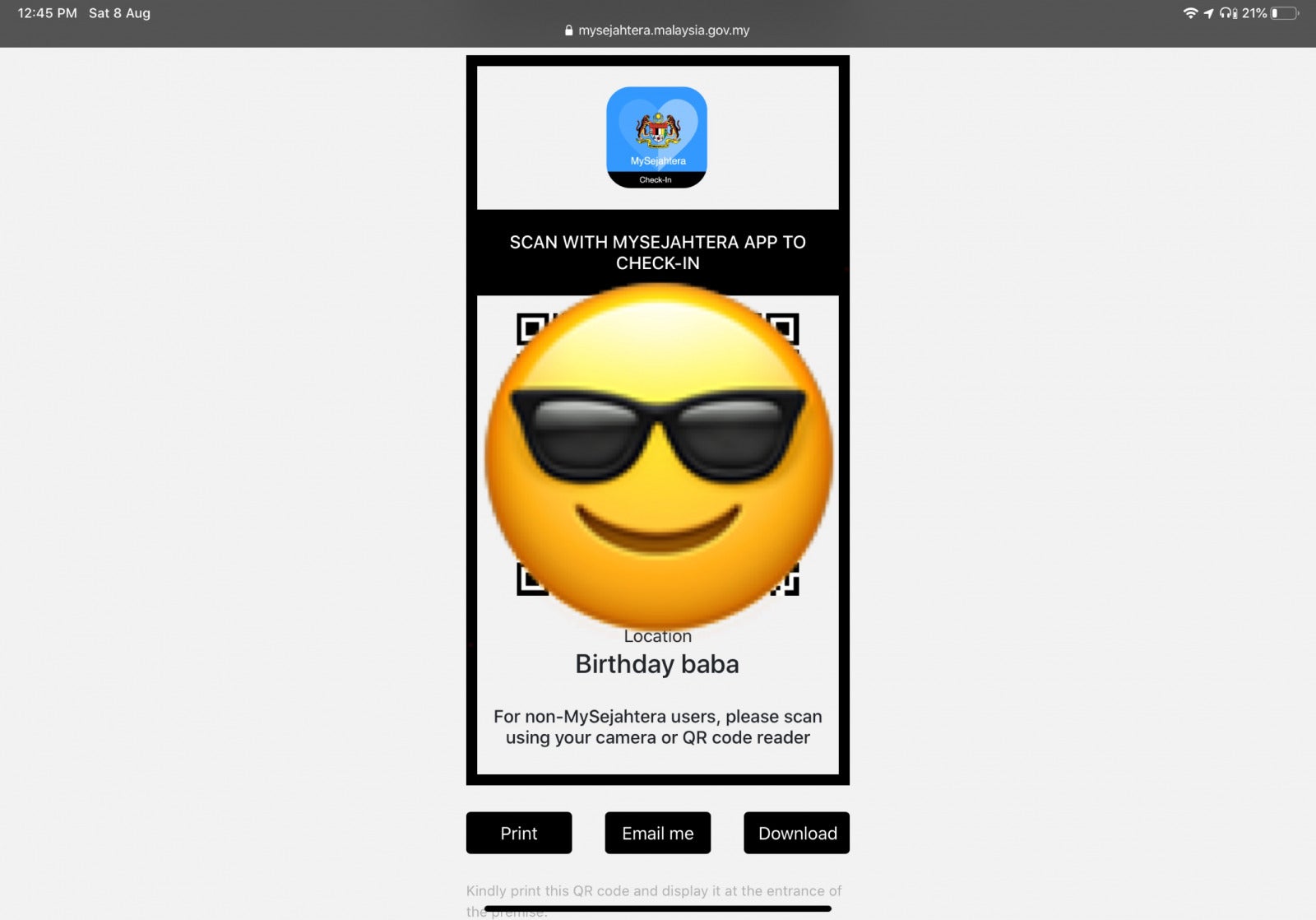
Voila! Easy as that! The QR code is now live and you can either straightaway print it, e-mail it to your e-mail address or download it to your PC or phone.
Afterwards, you can login using your mobile phone via the website and edit the QR code if there are any changes.
Pretty easy right? Hopefully all will start using this MySejahtera function when there’s a social event like weddings, birthdays or even open houses. Together, we can stop the spread of Covid-19 through practicing social distancing and always keeping our movement tracked.
Also read: EMCO Areas & MySejahtera, Here’s Everything You Missed From The Defence Minister’s Live Today