
Lifestyle
5 Work Habits Many M’sians Practice That Are Unknowingly Slowing Down Their Laptops

Have you ever experienced your laptop lagging or, even worse, crashing while you’re working on an important task? We’re sure that it’s the last thing anybody would want to happen with their laptops! But chances are, this type of incident may be caused by some bad habits that you might be practising that can affect the performance of your laptop.
Curious to know if you’re guilty of any of these bad habits? Just read on to find out!
1. Keeping a cluttered digital workspace
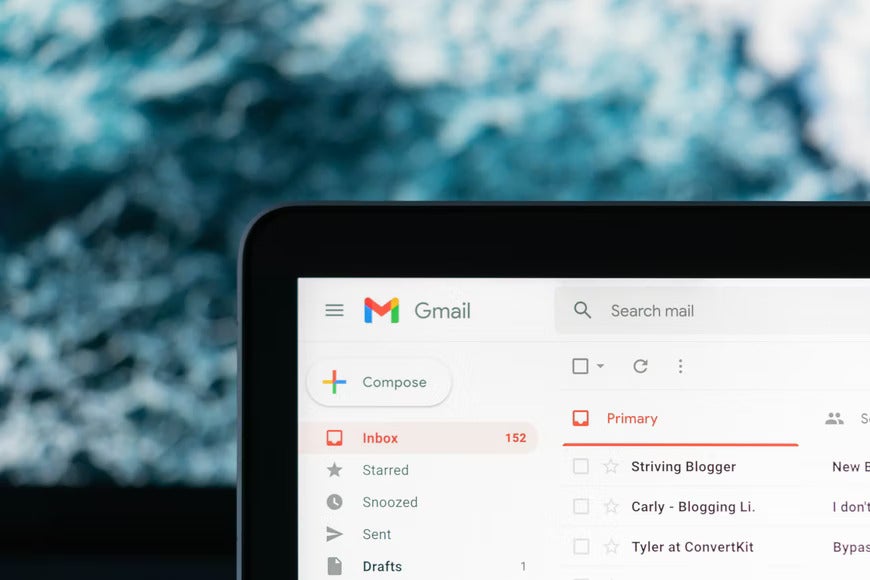
It’s quite common to overlook the importance of clearing up certain things from your laptop including:
- Temporary files (internet history, cookies and cache, etc.)
- Unimportant files (email attachments, photos, documents that don’t have a long-term purpose)
- Pop up notifications from websites
- Unread emails such as promotional newsletters
If you let these things accumulate, they can eat up the space in your hard disk and it will slow down your laptop. It might also cause overheating problems in your laptop which will affect the battery life.
To avoid this, make sure to disable notifications for non-essential websites and make it a habit to delete your temporary files after you’ve been surfing the internet.
2. Running too many programmes at one time

People often think that it is harmless to open up a desktop programme and leave it in the background when you’re not using it. In reality, this is called a “background programme” and it can actually slow down your laptop because they are automatically set to run in the background (even if you’re not interacting with them at all) and they will take up space on your RAM.
Thus, make sure to always close any unused programmes that you have running in the background and the same concept applies to your web browser tabs that you no longer need while browsing the internet, too!
3. Not rebooting your laptop regularly
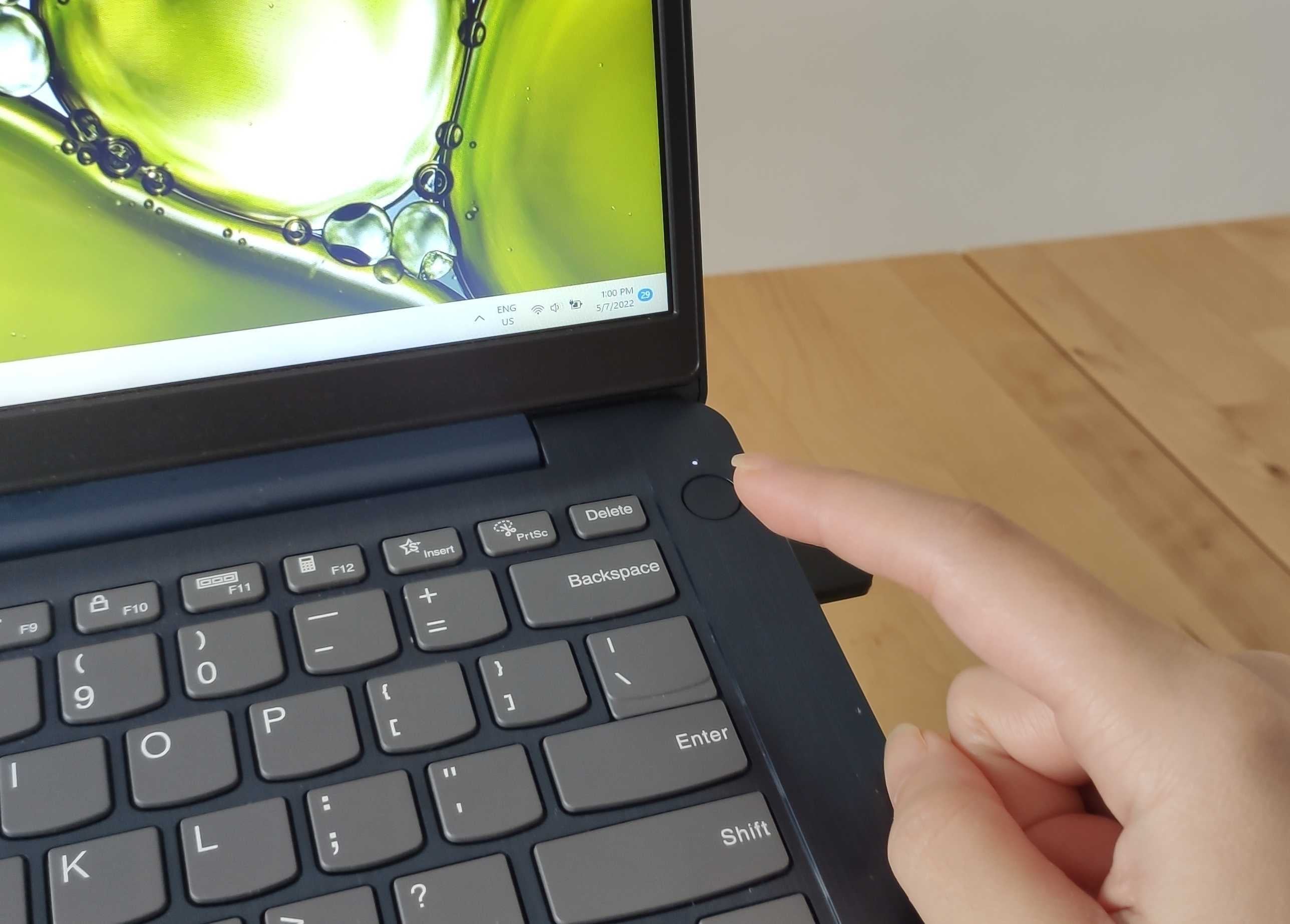
First off, let us clarify the meaning of “rebooting” your laptop. People would often be confused between:
- Shutting down – It puts your laptop in a deep hibernation state in order to save power and allow for a faster startup.
- Rebooting/restarting – When you restart your laptop, it kills all processes, and clears the RAM and processor cache.
Since you’re always doing your work on the laptop, it’s easy to feel tempted not to reboot the laptop for fear that you might lose certain essential files. However, this habit can severely slow down your operating system! The purpose of rebooting your laptop is so that it can clear up your computer’s RAM.
The RAM will store the laptop’s data as long as the machine is still working and it will start anew with every reboot. Thus, you can just imagine how cluttered the RAM gets if you’ve only been “shutting down” the laptop instead of “rebooting” it. Thus, it’s recommended to reboot your laptop at least twice per week, especially with your work laptop that you use every day.
4. Browsing the internet unprotected
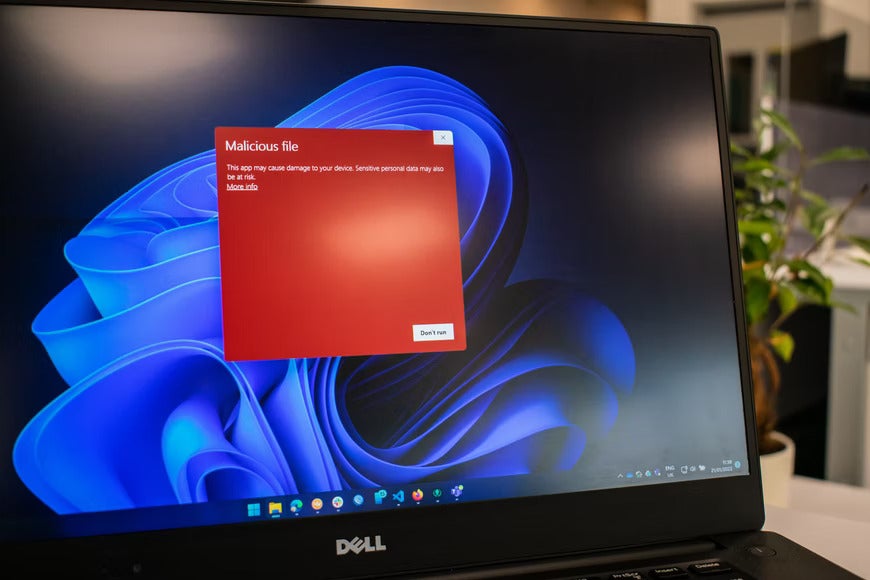
It is widely known that it is super important to install an antivirus software on your laptop. But some people still believe they can avoid any malware in their laptops just by “being careful” when they are on the internet. Unfortunately, this is extremely risky. Even a legitimate website can sometimes be infected with hidden malware so installing an antivirus is definitely a must!
On top of that, you should also try to keep your operating system up to date, avoid using the same password for all your favourite websites, and do not ever download pirated software because they would often have bugs or viruses in there.
5. Keeping an old and outdated laptop
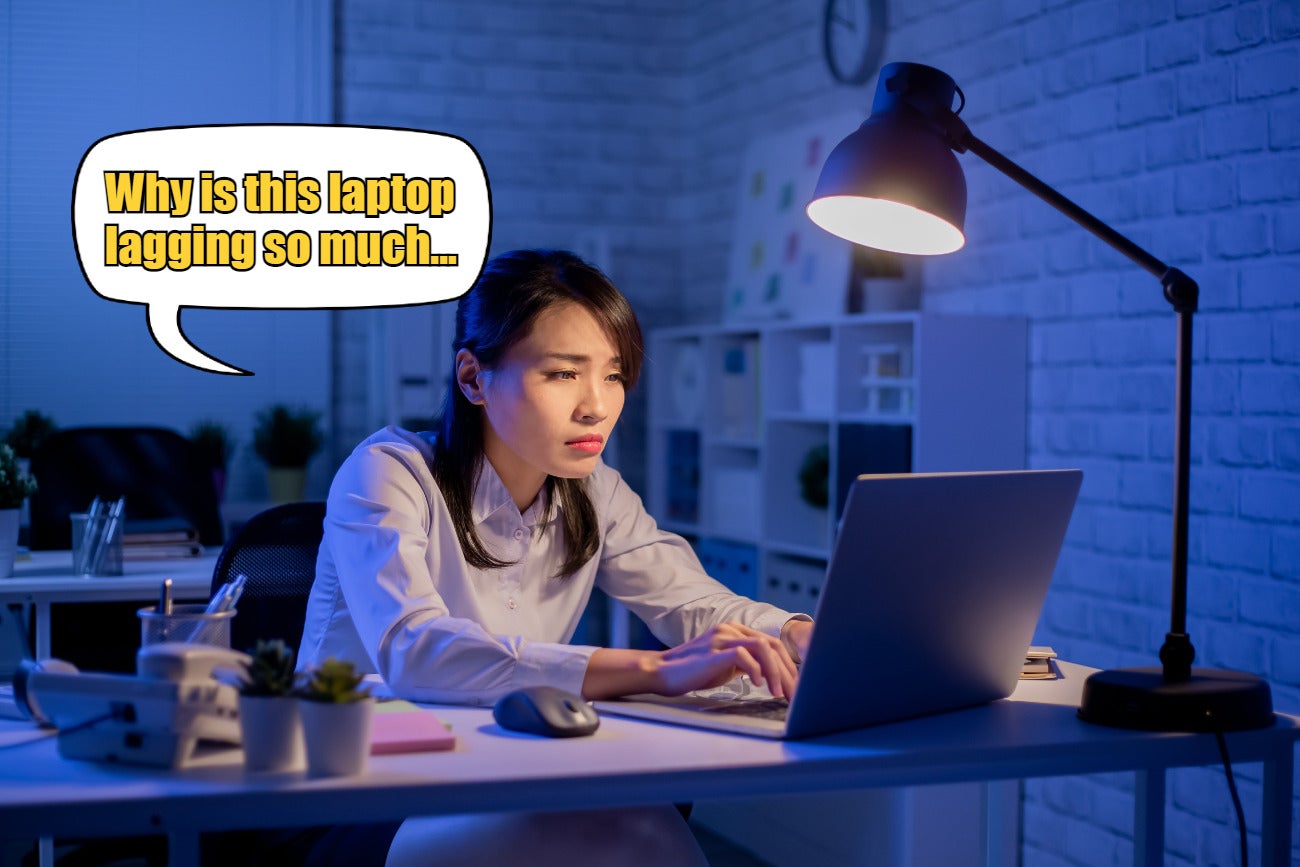
We get that a laptop is a worthwhile investment and it doesn’t need to be upgraded every year. However, if you keep using a laptop that is too old or outdated, you won’t be able to update the operating system and this will cause the laptop to lag and slow down. Once this happens, it will eventually affect your work productivity because you won’t be able to get your tasks done seamlessly.
The average laptop’s life span is around three to five years. If your laptop has survived more than that, that means you’ve done a great job maintaining it! However, you may start to notice that the laptop has slowed down or the utility of the laptop has now become limited because it is unable to run the latest applications or software.
We bet some of you are probably reading this and thinking, “wow, my laptop seriously needs an upgrade!”. Well, fear not, we’re here to give you some tips! If you’re going to invest in a new laptop, we’d recommend finding one that runs on the latest operating system, such as Windows 11, so that your laptop can run smoothly and it can boost your work productivity! Why Windows 11? We’ll tell you!
ICYMI, Windows 11 can bring you a powerful performance and instant responsiveness to ensure you get the job done easily!
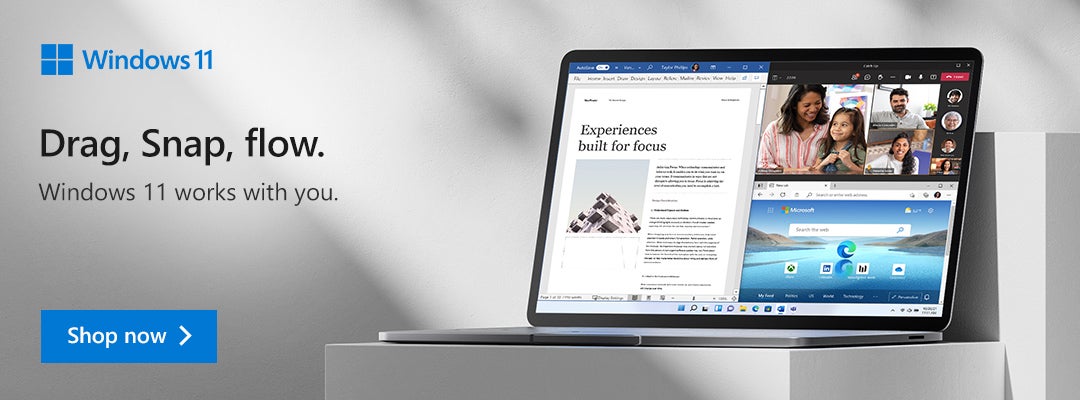
Plus, it also comes with various practical features such as:
- Snap Assist: You can organise multiple tabs and view up to four tabs on a single screen!
- Microsoft Store: Find all of your favourite apps, movies and shows in the store.
- Multi-desktop feature: Refocus your workflow by simply swiping left or right.
- Microsoft Defender: Next generation of antivirus and malware defence to give your laptop the ultimate protection with features such as tracking prevention, biometric login, etc.
- Touch, Pen or Voice experience: Now it’s easier to express yourself and your ideas by utilising touch or a digital pen to write, draw or take notes while working.
- Windows Hello: Provides a secure login to your laptop via facial recognition, fingerprint or PIN.
Don’t these features sound modern and awesome? If you’re interested in getting a laptop that is compatible with Windows 11, we recommend the new and powerful XPS 13 Plus from Dell! It’s the most powerful 13-inch laptop from Dell and here’s why:
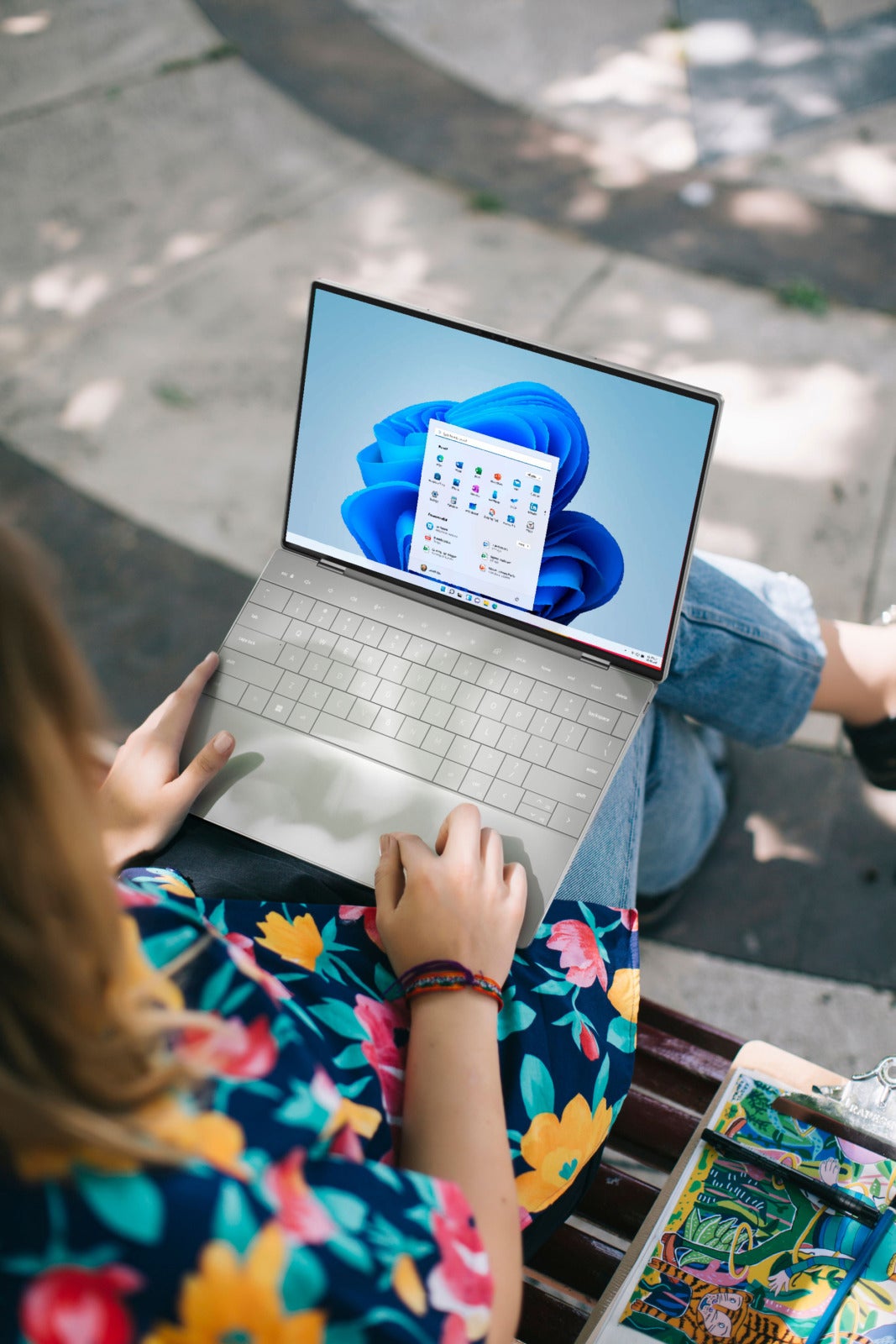
- It runs on 12th Gen Intel® Core™ and Windows 11 Home so you can speed through any task
- Seamless edge-to-edge keyboard with highly-responsive glass touchpad
- Enjoy lifelike visuals and sounds with their InfinityEdge screen and quad-speaker
- The lightweight and timeless design makes it easy to bring on-the-go as a compact companion at home
Sounds incredible, right? If you’re interested to get the laptop, we have some good news for you…
Dell is having a sale from now until 31 July 2022 where you can get RM140 OFF the new XPS 13 Plus!

Excited to shop? Make sure to visit these stores:
- Dell Flagship Store on Lazada
- GLOO Store on Lazada
- GLOO Store on Shopee
- GLOO Store Website
- iTworld Website
- NBP Store on Lazada
- NBP Store on Shopee
- NBP Store Website
So, don’t wait too long, guys! Make sure to grab this offer ASAP and upgrade your laptops, okay? For more information, head over to the Dell Flagship Store on Lazada and you can also visit Dell’s website to find out more about their new XPS 13 Plus!



MYDIN Makes History With 20 by 20 Feet Rotating Kolam, Earns M’sia Book of Records Title as the Largest in the Country!
Previously, Mydin Mohamed Holdings Bhd (MYDIN) caught the attention of Malaysians after introducing Malaysia’s first rotating kolam, featuring a wheel-shaped...


Pisang Goreng Trader Arrested After Allegedly Threatening Fellow Trader With a Knife in Cheras
A local banana fritter (Pisang goreng) seller was arrested by authorities following a daylight altercation in Bandar Tasik Selatan, Cheras....


Viral SPM Student in ‘Zombie-like’ State Allegedly High on ‘Piu Piu’ Tests Positive for 3 Types of Drugs in Nilai
The Negeri Sembilan Education Department is looking into a viral incident involving an alleged Sijil Pelajaran Malaysia (SPM) student who...


Ready To Mingle? Finland is Offering 16 Singles A FREE All-Expenses-Paid Trip to Fly Over for a Blind Date!
The Nordic nation of Finland is making a case for expanding your romantic search by a few thousand miles. If...

Education Dept Probes Viral Claims of SPM Student High on ‘Piu Piu’ at Nilai School
An investigation is underway following claims that a teenage boy, believed to be a student at a school in Nilai,...


Good News For Drivers! 50% Toll Discount Announced For Nov 6 & 7 In Conjunction With Deepavali
In conjunction with the upcoming Deepavali celebrations, the government has officially announced a generous 50% toll discount spanning two days...


“It’s fake” – PDRM Debunks Viral Claims That Teenage Girl Died While Using Massage Chair at Kajang Mall
A post has recently gone viral on social media, claiming that a teenage girl died after being electrocuted while using...


Kind Helper Spends Her Hard-Earned Pay Spoiling Employer’s Baby, Says “My Child Never Got to Experience It”
A recent post has warmed the hearts of many Malaysians after a woman shared a thoughtful gesture by her helper,...


A Device For Every Lifestyle: Lenovo’s Latest Tablet Line-Up Now Available in Malaysia
Lenovo Malaysia brings together a versatile line-up of tablets designed to support the different ways users live, work, learn and...


The #BebaskanDiri Wave: How PIXY Made Weightless Skincare-Makeup Trendy in KL
Kuala Lumpur got a little lighter. Diverging from the usual beauty sampling, PIXY Malaysia took its Airy Series out of...


Sweet Empowerment: Cadbury-Backed Women Bakers Mentor the Next Generation of Home Entrepreneurs
Every successful journey has a story worth sharing. For two women who turned their passion for baking into thriving home-based...

PDRM: 25yo M’sian Woman Arrested After Allegedly Pushing & Hitting Man’s Children at KL Mall

M’sian Uni Students Outraged After Student Organisers Blast Hostel Speakers for 40 Minutes at 5AM

Youth & Sports Ministry: HYROX KL Event “Will Not Be Approved” Unless Alcohol Sponsors Withdraw

M’sian Dancer In Paris Taken Aback After A Foreign Man Flashes Middle Finger While Taking Photo Together

M’sian Mum With Twin Stroller Disappointed As Able-Bodied Shoppers Fill Mall Lifts, Leaving Her Waiting 30 Minutes






-
News5 hours ago
Viral SPM Student in ‘Zombie-like’ State Allegedly High on ‘Piu Piu’ Tests Positive for 3 Types of Drugs in Nilai
-

 Social Stories23 hours ago
M’sian Catches 2 Individuals Allegedly Stripping Tyres Off Parked Car in Broad Daylight in Cheras
-
News22 hours ago
Ready To Mingle? Finland is Offering 16 Singles A FREE All-Expenses-Paid Trip to Fly Over for a Blind Date!
-

 Social Stories23 hours ago
“I hope you’re proud of me” – M’sian Graduate Delivers Emotional Speech in Tribute to Late Dad